
Internet explorer (IE) can be opened from Run command by executing iexplore.
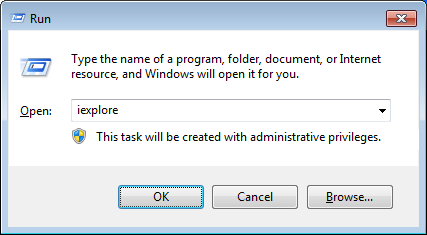
If you want to open a website or web page directly from Run window, you can just specify the URL of the site/page with the iexplore command. For example, to open ‘www.windows-commandline.com’, you can execute the below command from Run window.
iexplore www.windows-commandline.com
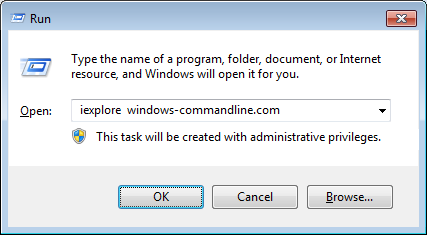
These commands work with all versions of Internet explorer.
To open internet explorer from command prompt
c:>start iexplore
Running iexplore without start would fail with the below error.
C:\>iexplore
'iexplore' is not recognized as an internal or external command,
operable program or batch file.
I’m trying to unistall securty warning on pop-up off my phone but someone put it on without my permission.
“Running iexplore without start would fail with the below error”
The ongoing nightmare that is Windows.
install internet explorer
Run below command in cmd including ”
“C:\Program Files\internet explorer\iexplore.exe”
When i press down arrow key without or with openning any windows, internerexorer runs, i dont know why. Tell me hoe to fix.