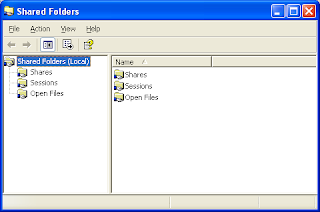
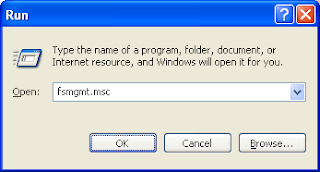
Shared folders console is the place where we can configure the folders shared on the local computer. We can disable the existing shares or create new shares or change user permissions for accessing the shares. We can launch shared folders console from Run window by executing the command fsmgmt.msc
Below is the snapshot of shared folders UI on Windows XP computer.