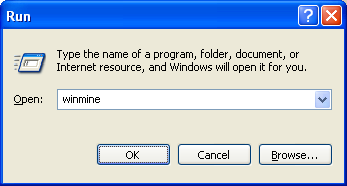
Minesweeper is one of the games that is part of Windows XP default installation. The run command for opening minesweeper game is Winmine
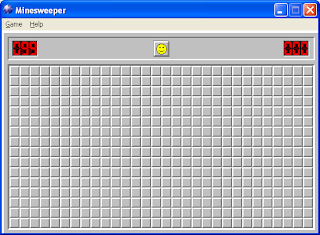
Snapshot of minesweeper game window:

Minesweeper is one of the games that is part of Windows XP default installation. The run command for opening minesweeper game is Winmine
Snapshot of minesweeper game window:
Note that the Minesweeper has been renamed in Windows NT 6.1! It is now called "C:\Program Files\Microsoft Games\Minesweeper\MineSweeper.exe". That directory is not in the default PATH environmental variable, so you have to edit your PATH envar unless you want to type in the full path to the file.
All other default games have also been moved to "C:\Program Files\Microsoft Games", often with new file names. The Windows idea of putting the exe files in lots of different directories is driving me crazy: I need a very long PATH envar (which probably slows down file lookup) in order to use the command line efficiently. Alternatively, I can produce lots of batch fields containing the full path and put them in a directory somewhere and then add that dir to the path, but then there's a lot of work producing those batch files.