
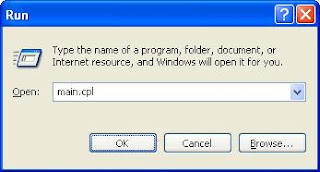
Mouse properties window can be launched from Run window or from command prompt by executing the command main.cpl
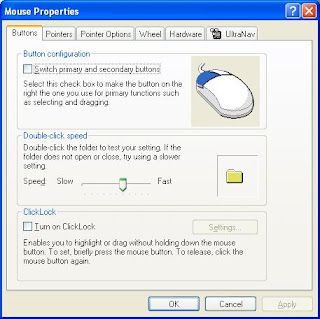
Below is snapshot of mouse properties window where you can configure the settings like swapping left and right buttons, double-click speed, enabling/disabling track point etc.
Excellent, this is exactly what I was looking for.
Is it possible to add a flag or something to specify to which tab you want the window to open?
What do you mean?
Great! Thanks.
thanks you,
very nice information for me