We can launch MS Paint application from command prompt also. Just run the command mspaint and it will open paint application.
c:> mspaint
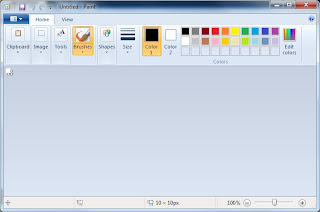
snapshot of Paint application in Windows Vista

We can launch MS Paint application from command prompt also. Just run the command mspaint and it will open paint application.
c:> mspaint
really worked thanks
how do you download this?!
Your Windows OS already has it.
By pressing Windows key + R.
Downloadtime: 0,001 seconds