
Learn the command to open disk management console from Run/command prompt. In disk management console, we can create/delete partitions and format drives.
Execute the command diskmgmt.msc to open disk management console from Run.
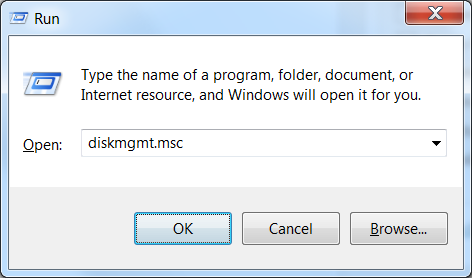
Same command can be used from CMD as well.
c:> diskmgmt.msc

My C: drive was renamed X and I am trying to get it renamed back to C: and using ‘diskmgmt.msc’ in the command line doesn’t work, giving the message “‘ diskmgmt.msc’ is not recognized as an internal or external command, operable program or batch file.”
Probably old, but you can run
diskpart
select volume X
assign letter C
hello i need help with formating an external hard disk that is unknown and not innitialized